
Understanding Laptop Warranties
When purchasing a laptop, many consumers often overlook one crucial aspect: the warranty. A laptop warranty is a promise from the manufacturer that covers repairs or replacements for a certain period, typically ranging from one to three years depending on the brand and model. This coverage can save you significant money and hassle in the event of hardware failure or other issues. Knowing the specifics of your warranty can make a huge difference in your overall satisfaction with your laptop purchase.
Types of Laptop Warranties
There are generally two types of warranties you might encounter:
- Limited Warranty: This is the most common type, covering specific parts of the laptop for a set duration.
- Extended Warranty: An optional purchase that extends the period of coverage beyond the standard warranty period.
Why You Should Know How to Claim Your Warranty
Knowing how to claim your laptop warranty is essential for every technology user. Warranty claims can be daunting, but understanding the process can empower you to resolve issues swiftly and effectively. The following guide will walk you through the steps necessary to make a warranty claim, ensuring you are prepared should any problems arise.
Quick Tip: Always keep a copy of your purchase receipt and warranty information in a safe place!

Steps to Claim Your Laptop Warranty
Step 1: Gather Necessary Information
Before initiating a warranty claim, you need to collect key information about your laptop. This includes:
- Model and serial number of your laptop
- Proof of purchase (receipt or invoice)
- Detailed description of the issue
Step 2: Review the Warranty Terms
Each manufacturer has specific warranty terms that dictate what is covered and what is not. Familiarize yourself with these terms, as they will outline:
- Duration of coverage
- Types of damage covered (e.g., hardware failure, manufacturing defects)
- Exclusions (e.g., accidental damage)
Step 3: Contact Customer Support
Once you have gathered your information, the next step is to reach out to the manufacturer’s customer support. This can usually be done via:
- Phone
- Live chat
During this interaction, be prepared to provide the information you collected in Step 1. The representative will guide you through the next stages of the claim process.

Step 4: Follow Instructions for Repair or Replacement
After your claim is approved, the manufacturer will provide instructions on how to send in your laptop for repair or replacement. Be sure to:
- Package your laptop securely to prevent damage during shipping
- Include any required documentation
- Track your shipment to ensure it arrives safely
Step 5: Wait for Resolution
The time it takes to resolve a warranty claim can vary. Stay in touch with customer support for updates and timelines on your claim. It’s advisable to document all communications for future reference.
Common Challenges in the Warranty Claim Process
While the warranty claim process can be straightforward, several challenges may arise:
- Delayed Responses: Sometimes, customer service may take longer than expected to respond or process claims.
- Denials: Claims may be denied due to lack of proper documentation or if the issue falls outside warranty terms.
- Miscommunication: Ensure that you articulate the problem clearly to avoid any misunderstandings.
How to Protect Yourself for Future Claims
To avoid complications in the future, consider the following:
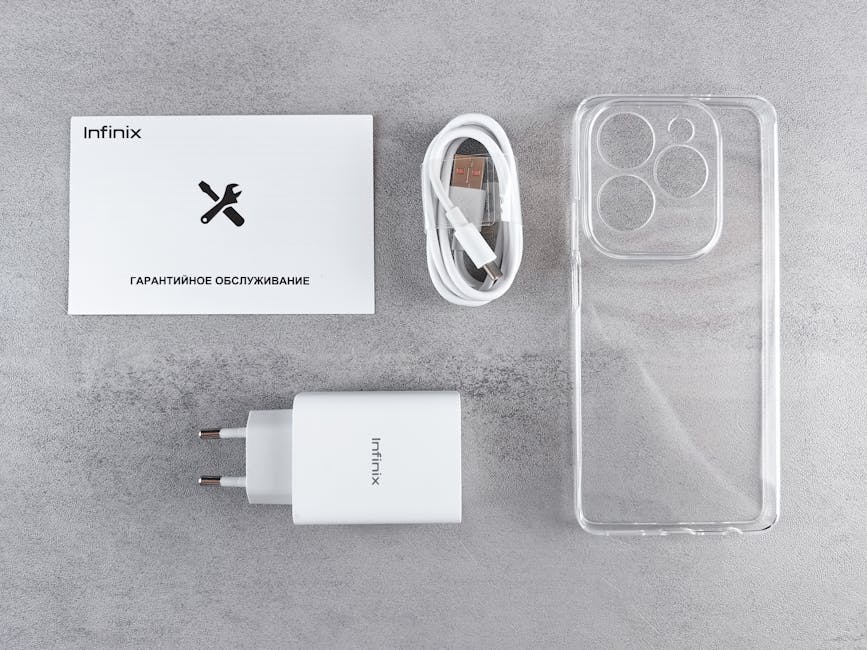
- Keep all receipts and warranty documents organized.
- Regularly check the condition of your laptop and address any minor issues before they escalate.
- Research manufacturer reviews to gauge their warranty service reliability.
Conclusion
Claiming your laptop warranty doesn’t have to be a stressful experience. By following these steps and being prepared, you can ensure that any issues with your laptop are resolved efficiently. Remember, a warranty is not just a piece of paper; it’s your safety net in the tech world. Stay informed, stay organized, and enjoy your technology!










Leave A Comment